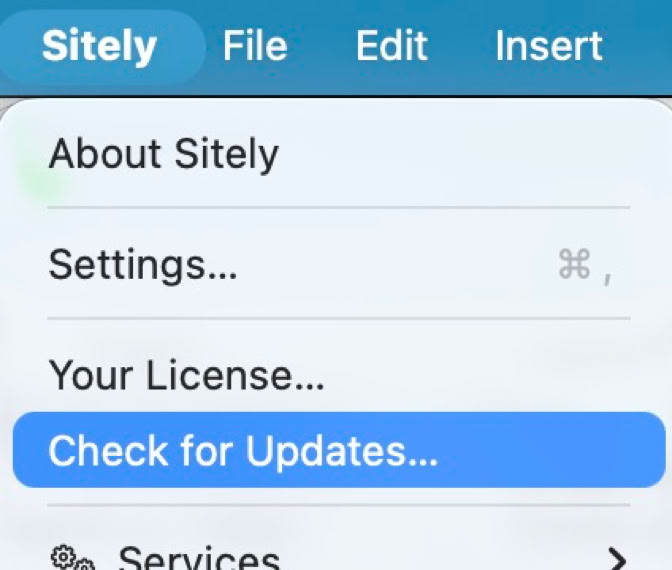
The simplest way to update Sitely is to start it, and if an update is available it will tell you. You can also select the “Check for updates” option from the Sitely menu.
To ensure you preserve your license, if you are downloading a fresh new copy of Sitely you should ensure you download it from where you purchased it.
If you purchased Sitely from this website, you can download it here. If you purchased Sitely from the Mac App Store, you should download it there.

Powerful and refreshingly simple, at home on Mac, finding new freedom on iPad.