Start here
Editing and styles
Media and content
Tutorials
Site and publishing
Layout and navigation
Forms and services
The AI Website Generator turns a short description of a business or activity into an editable starter website. Use it to get an initial structure and design, then refine the result in Sitely.
The generator proposes pages and fills the selected pages with initial text and imagery. It needs an internet connection. Review generated content before using it: names, claims, contact details and image choices may need correction.
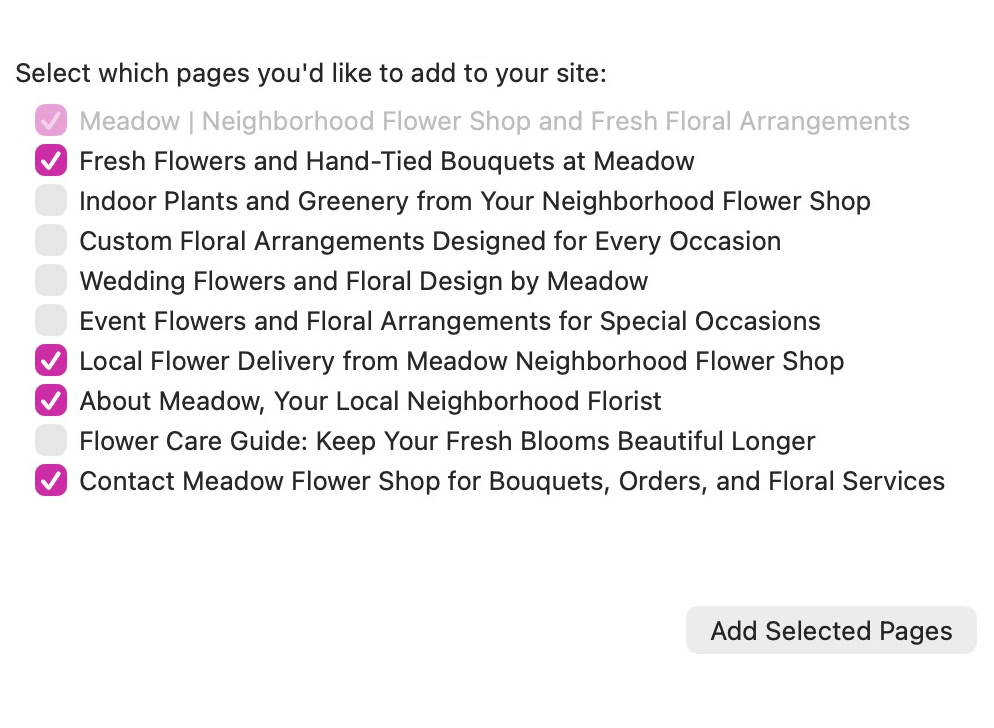
Create a new website and choose AI Website Generator in the new project window, or choose File > New by Generating a Website. Enter the name, describe the business or activity, and choose the language for the generated content.
Be specific about what the site should present. For example, “a neighborhood flower shop” gives the generator more useful context than “a business.” Start generation with Start, or Generate Website in the iPad new-document screen.
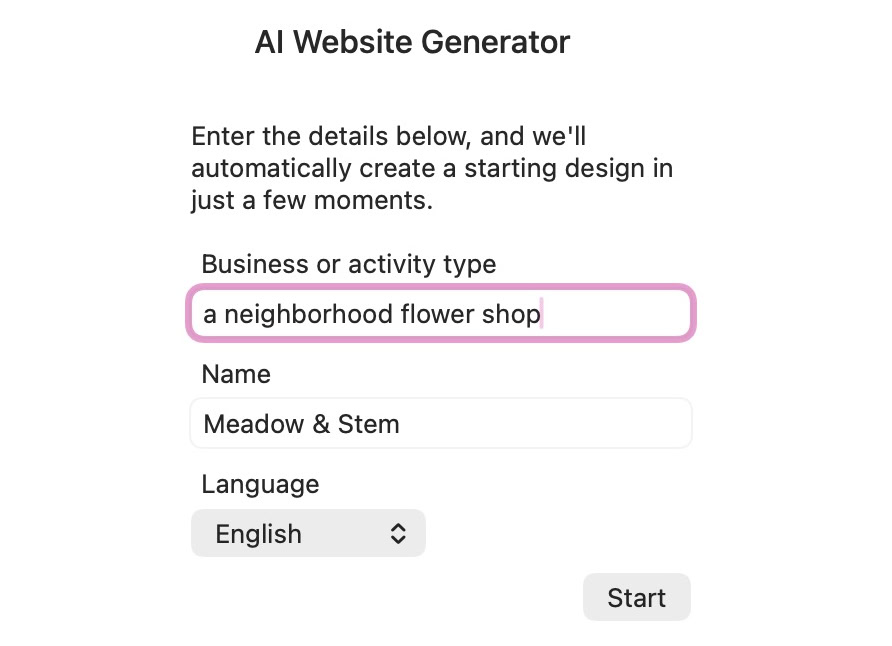
Review the proposed outline and select the pages you want to add. The Home page is included as the starting page, and the generator proposes up to 10 pages. Choose Add Selected Pages to generate the website.
Treat the outline as a first draft. You can add, rename, reorganize or remove pages later, just as in any other Sitely project.
Select elements on the canvas to replace text and images, adjust colors and typography, and change the layout. Generated pages use native Sitely elements, so you can continue designing without running the generator again.
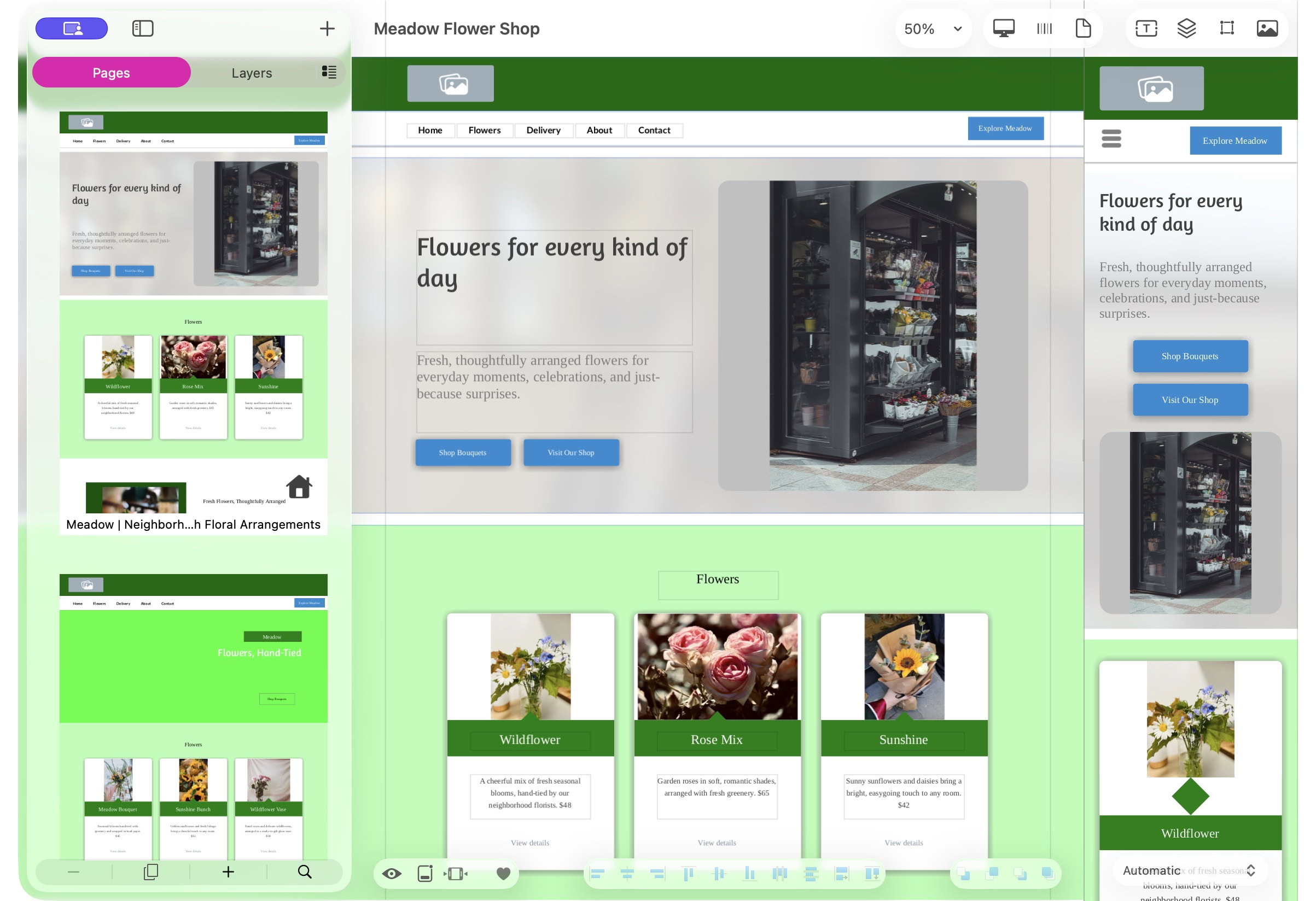
The generated starter site is an editable Sitely project, with its pages and alternate device layouts available for further work.
Replace placeholder information, check factual claims and confirm that images suit the business. Check page titles, links, navigation and any forms or third-party services you add. Review every device layout and preview the result in a browser.
Save the native project, configure your hosting in Publishing and test any server-dependent features after deployment. Generation creates a starting point; it does not configure your hosting or verify the finished site.
For an AI-generated widget inside an existing page, see Magic Box.
Please report any shortcoming in this documentation and we’ll fix it as soon as possible!
Updated for Sitely 8

Powerful and refreshingly simple, at home on Mac, finding new freedom on iPad.
Always on. Keeps the site working.
Enables optional features.
Remembers your settings.
Counts visits and page views.
Tailors ads to your browsing.
We and our partners use optional cookies for extra features, saved preferences, visit counts and personalised ads. To change your choices later, use Cookie settings in the footer.
Closing keeps optional cookies off. Privacy policy